
Only files in our proprietary .sc format (smenso Cloud) are accepted for import.
Proceed as follows:
- Open the
Portfolio view - Select the
⚙ icon - Select
Import project - Drag and drop the .sc file into the Import dialog, or select
Browse, to search for a file on the computer - Select a
projekt name,project typeandproject folderand lastly, on which date the project should start.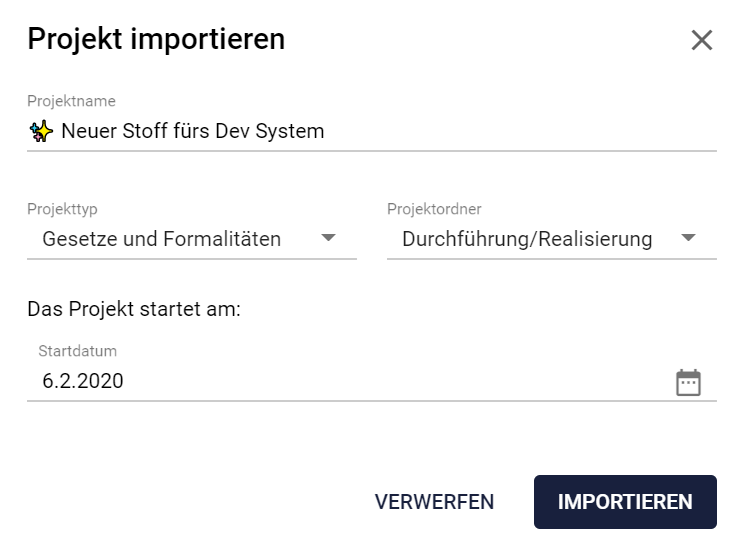
Comments
0 comments
Please sign in to leave a comment.